Long Division Worksheets
Create free printable long division worksheets with or without remainders. Set number ranges, choose problems per page, and download a PDF with an answer key.
Generate free, printable long division worksheets with the number ranges and layout your student needs. Choose the divisor range, decide whether to include remainders, set how many problems fit on each page, and download a clean PDF — with an optional matching answer key included.
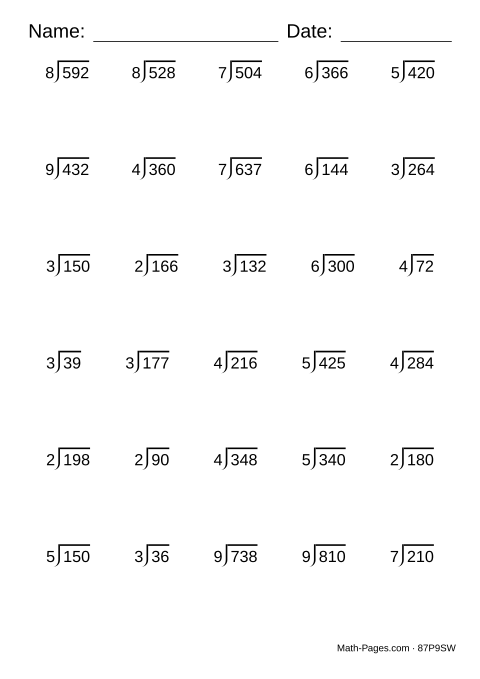
Long division problems are displayed in the traditional bracket format. Toggle remainders on to add practice with leftover values, or leave them off for straightforward whole-number quotients. Every worksheet is randomly generated, so each printing produces a unique set of problems.
What this worksheet covers
- Divide multi-digit numbers with the long division algorithm
- Bring down each digit and keep track of what is left over
- Write a remainder when a division does not come out exactly
Common Core standards
- 4.NBT.B.6 Divide up to four-digit dividends by one-digit divisors, with remainders.
- 5.NBT.B.6 Divide up to four-digit dividends by two-digit divisors.
- 6.NS.B.2 Fluently divide multi-digit numbers using the standard algorithm.
Frequently asked questions
How do I create a long division worksheet?
Set the divisor and quotient ranges, choose whether to include remainders, set problems per page and pages, then print or download the PDF.
Can I include remainders?
Yes. Toggle 'Remainders' on and the generator will add a remainder to each problem for practice interpreting and recording leftover values.
What are the steps of long division?
Divide, multiply, subtract, bring down, and repeat until no digits are left. For 84 ÷ 3: 3 goes into 8 twice, 2 x 3 is 6, 8 - 6 leaves 2, bring down the 4 to make 24, and 3 goes into 24 eight times. The answer is 28.
What grade is long division for?
Long division is typically introduced in grade 4 and extended through grade 6, with remainders usually introduced in grade 4 or 5.
Can the answer key show the steps, not just the answer?
Yes. Tick Answer key, then Show the working, and the key prints the standard algorithm for each problem - each bring-down, the multiply, the subtract, and the remainder - so you can see exactly where a mistake happened.